
FL-Accounting LLC
dba/ Florida Accounting & Advisers
___________
Home | About Us | Services | Pricing | Tax Return Preparation | Get Started | Blog | Contact
__________________________________________________________________________________________________________________________________
☎ (561-939-2553 • (772) 323-4397 • ✉ info@fl-accounting.com
Welcome to Fl-Accounting LLC.
We look forward to supporting your business and helping you stay organized, informed,
and confident in your financial decisions.
What happens next:
-
Complete your service purchase.
• Receive your TaxDome invitation.
• Use the invitation to activate your account and create your login.
• Download and complete the onboarding documents.
• Upload the completed documents through the secure Client Portal.
• Watch for our follow-up message.


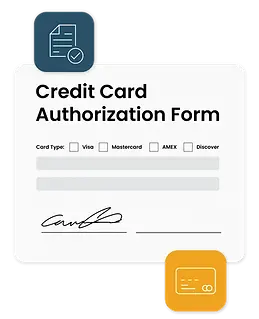
To complete and sign these PDFs:
Download the form and open it with the free Adobe Acrobat Reader.
Use Fill & Sign to add your signature and initials, save the completed copy, and upload it to TaxDome after receiving your invitation.
Secure Client Portal
Upload Your Completed Documents Securely
Download and complete the required onboarding documents, then upload them through your secure TaxDome Client Portal. Please do not email sensitive documents.
If you have completed payment but have not received your portal invitation, please contact us at info@fl-accounting.com.